
Complete Feature Overview
Explore the full suite of GoQrides features from passenger tools to administrative controls
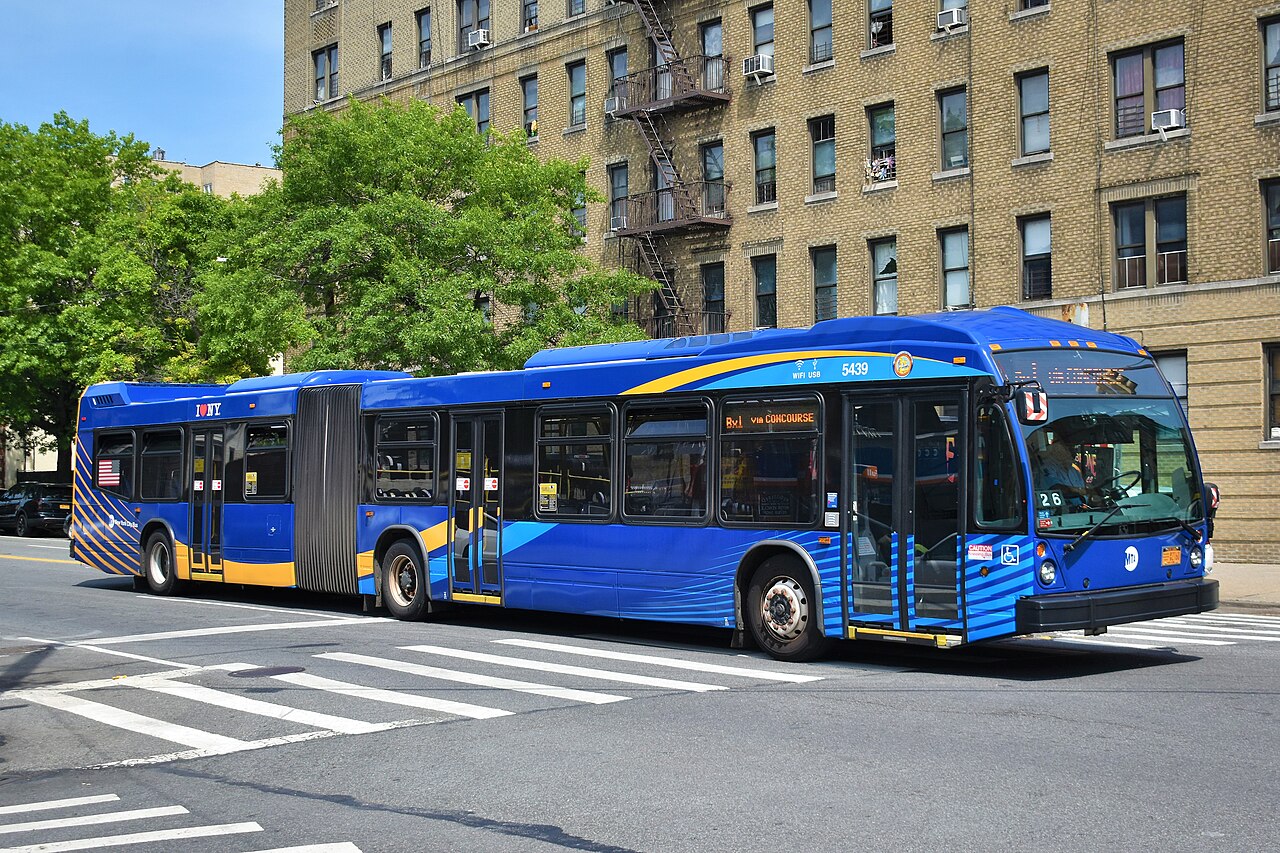
NYC's Trusted Transit Network
Connecting millions of New Yorkers every day
Mobility Intelligence
Your commute, optimized. $9.99/month or $79/year.
Transit Tool
- ✓Real-time transit tracking
- ✓Basic AI transit responses
- ✓Single-destination trip planning
- ✓Service alerts and incidents
- ✓1 saved route maximum
- ✓Community incident reports
Mobility Intelligence
$9.99/month or $79/year
- ★Unlimited saved routes
- ★Multi-stop trip planning
- ★Voice-first concierge AI
- ★Proactive delay alerts
- ★Weather-based rerouting
- ★Ad-free + early access
Adventure Planning
Discover amazing destinations in and around NYC - all accessible by transit
Explore NYC Like Never Before
Plan weekend getaways, discover hidden gems, find hiking trails, explore food scenes, and more - all curated with transit accessibility in mind.
Features:
- •Curated adventure destinations near transit routes
- •Hiking trails, parks, beaches, and outdoor activities
- •Weekend getaway recommendations
- •Restaurant clusters and food neighborhoods
- •Cultural attractions and entertainment venues
- •Direct transit directions to each destination
Mobility Intelligence members get access to advanced filters, saved adventures, and personalized recommendations based on your preferences.
Navigation & Discovery
Advanced route information and discover nearby restaurants and lodges with integrated navigation
Route Information
Search and browse all NYC bus routes with complete route information, schedules, and stop sequences.
MTA Eye/Spy Feed
Community-driven real-time street updates from riders and GoQRides staff with moderated news feed.
- •Submit street-level updates
- •Moderated by GoQRides staff
- •Community upvote/downvote system
Route Details Screen
Complete route information including map, schedule, service hours, all stops, accessibility features, and save to favorites.
- •Read route shape/stops/schedule
- •Read service alerts
- •Create/Update favorites
All Stops List View
Scrollable list of all stops on route in order with estimated arrivals and directions.
- •Read stop sequence, real-time predictions, stop locations
Discover Restaurants & Lodges
Find nearby restaurants and lodges with Google Maps integration, detailed information, and direct navigation to your destination.
Search & Filter
Search for restaurants and lodges by name, cuisine, or location with real-time filtering options.
- • Search by name or cuisine
- • Filter by type (restaurant/lodge)
- • View results instantly
Restaurant List
Browse restaurants with photos, ratings, price levels, distance, and cuisine types in a scrollable list.
- • View ratings and reviews
- • See distance from you
- • Check price levels
Lodge Details
View complete lodge information including amenities, photos, contact details, and available services.
- • View amenity listings
- • Check availability
- • Contact information
Take Me There
Get directions and transit cost estimates with one tap to navigate directly to your selected destination.
- • Calculate transit costs
- • Get turn-by-turn directions
- • View route on live map
Discovery (Restaurants & Lodging)
Main discovery interface for selecting type, filtering, map/list views with Google Places API integration, and managing saved places.
Discover Home
Main discovery interface for selecting type (restaurants/lodging), choosing to explore, and setting search radius.
Discovery Filters
Refine search with cuisine type, price range, rating, dietary options, amenities, and apply new filter.
Discovery Map View
Places displayed on map with route overlay, tappable markers, and pan/zoom navigation.
Discovery List View
Scrollable place list with photos, ratings, prices, distance, sorted by distance/rating/price.
Place Details
Full restaurant/hotel information with photo gallery, reviews, hours, phone, directions, transit cost calculation, and save to favorites.
Saved Places
User's favorited locations organized by recency, visits, rating, or type with trip planning option.
Live Transit Tracking
Real-time bus locations, schedules, and interactive live map
Bus Schedules
Access comprehensive MTA bus schedules with real-time arrival predictions. Search by route number, view upcoming buses, and get accurate ETAs for your stop.
Features:
- •Real-time bus arrival predictions
- •Search by route number or stop location
- •Service alerts and delay notifications
- •Weekend and holiday schedule adjustments
- •Save favorite routes for quick access
Live Map
Watch buses move in real-time on an interactive map. See exactly where your bus is, track its progress, and plan your departure timing perfectly.
Map Features:
- •Live GPS tracking of all MTA buses
- •Interactive route visualization
- •Bus stop locations with arrival times
- •Traffic conditions and delays highlighted
- •Zoom to your current location
Profile & Settings
Customize your GoQrides experience and manage your account
Profile Settings:
- •Update personal information
- •Set home and work locations
- •Manage notification preferences
- •Choose preferred language
Account Management:
- •Manage subscriptions and billing
- •View privacy and security settings
- •Access legal documents and policies
- •Delete account or export data
Communication & Support
AI assistance, service alerts, and incident reporting
AI Chat Assistant
Conversational interface for natural language queries about trips, fares, routes, and recommendations with suggested actions.
AI Chat Screen
Conversational interface for natural language queries about trips, fares, routes, and recommendations with suggested actions.
- Create user message
- Create AI response (Vercel AI SDK)
- Read user context/location/data
- Update conversation history
Conversation History Screen
Past AI conversations with search, continue, and delete options.
- Read conversation history
- Update to resume
- Delete conversations
Service Alerts
Real-time notifications about service disruptions, route changes, and transit updates to keep riders informed.
Service Alerts Dashboard
Active alerts by severity, affected routes, and time period with filters and dismissal option.
- Read GTFS-RT alerts, user saved routes
- Create read status
- Update dismissed alerts
Alert Detail Screen
Detailed alert view with full description, affected routes/stops, time period, alternative routes, and fare comparison.
- Read full alert details, affected route/stop info
- Create alternative route query
Notifications Settings Screen
Configure push notifications for alerts with type selection (saved routes, critical, planned work) and quiet hours.
- Update notification preferences
- Create test notification
Incident Reporting
Community-driven incident reporting system for safety concerns, service issues, and real-time transit conditions.
Incident Reports Feed
Community-reported incidents on map/list with filters (type, date, route, verification status) and sorting.
- Read all incident reports with filters, user location
Create Incident Report
Submit new incident with type selection, description, location (auto/manual), route, photo uploads (up to 3), and anonymous option.
- Create incident report
- Create photo uploads (Vercel Blob)
- Update user report count
- Send moderator notification
Incident Detail Screen
View specific incident with full description, photos, location map, confirmation count, confirm/dispute options, and follow for updates.
- Read incident details
- Create user confirmation
- Update confirmation count
- Create dispute
- Update follow status
My Incident Reports
User's submitted and followed reports with status tracking, edit/delete options, and update notifications.
- Read user's reports, followed reports
- Update/Delete reports
- Read status updates
Operator Feedback System
Hold transit operators accountable or recognize exceptional service with our comprehensive feedback system for bus operators, train operators, and transit police officers.
⚠️File Complaints
Report concerns about operator behavior:
- •Bus operator complaints (safety violations, unprofessional conduct)
- •Train operator complaints (service issues, behavior concerns)
- •Transit police complaints (misconduct, unprofessional behavior)
⭐Share Praise
Recognize outstanding service:
- •Bus operator praise (helpful, professional, goes above and beyond)
- •Train operator praise (excellent service, safe operation)
- •Transit police praise (helpful, professional, ensures safety)
What You Can Include:
- •Operator badge number or vehicle number (if available)
- •Date, time, and location of incident or exceptional service
- •Detailed description of what happened
- •Photos or evidence (optional)
- •Option to report anonymously
Local Visibility Engine
Turn transit riders into customers with featured placement
Quick Business Signup
The +B button appears in the Trip Planner, allowing businesses to quickly sign up and get featured to transit riders searching for nearby restaurants, bars, hotels, and entertainment.
How It Works:
- 1.Business owners click the +B button in Trip Planner
- 2.Submit business info and start your listing for $49/month
- 3.Get featured placement with photos, contact info, and directions
- 4.Reach thousands of NYC transit riders searching nearby
Featured on "Best Places to Go" and "Best Events" -- Full menu photos, drinks, venue details, event creation, analytics, and verified badge for $49/month or $499/year.